 XIM REMOTE
Thu May 07 2026
Best Parental Control App for Android in 2026 | Secure Remote Device Management with Xim Remote
🚀 Xim Remote: The Ultimate Free Parental Control App for Android & Secure Remote Device Management
In 2026, managing Android devices is no longer just about convenience—it's about security, control, and real-time visibility. Whether you're a parent trying to ensure your child's safety or a power user managing multiple devices, having a reliable parental control app for Android is essential.
That’s where Xim Remote comes in.
It’s a powerful, privacy-focused remote device management and Android remote control app that combines screen streaming, automation, and monitoring—completely free.
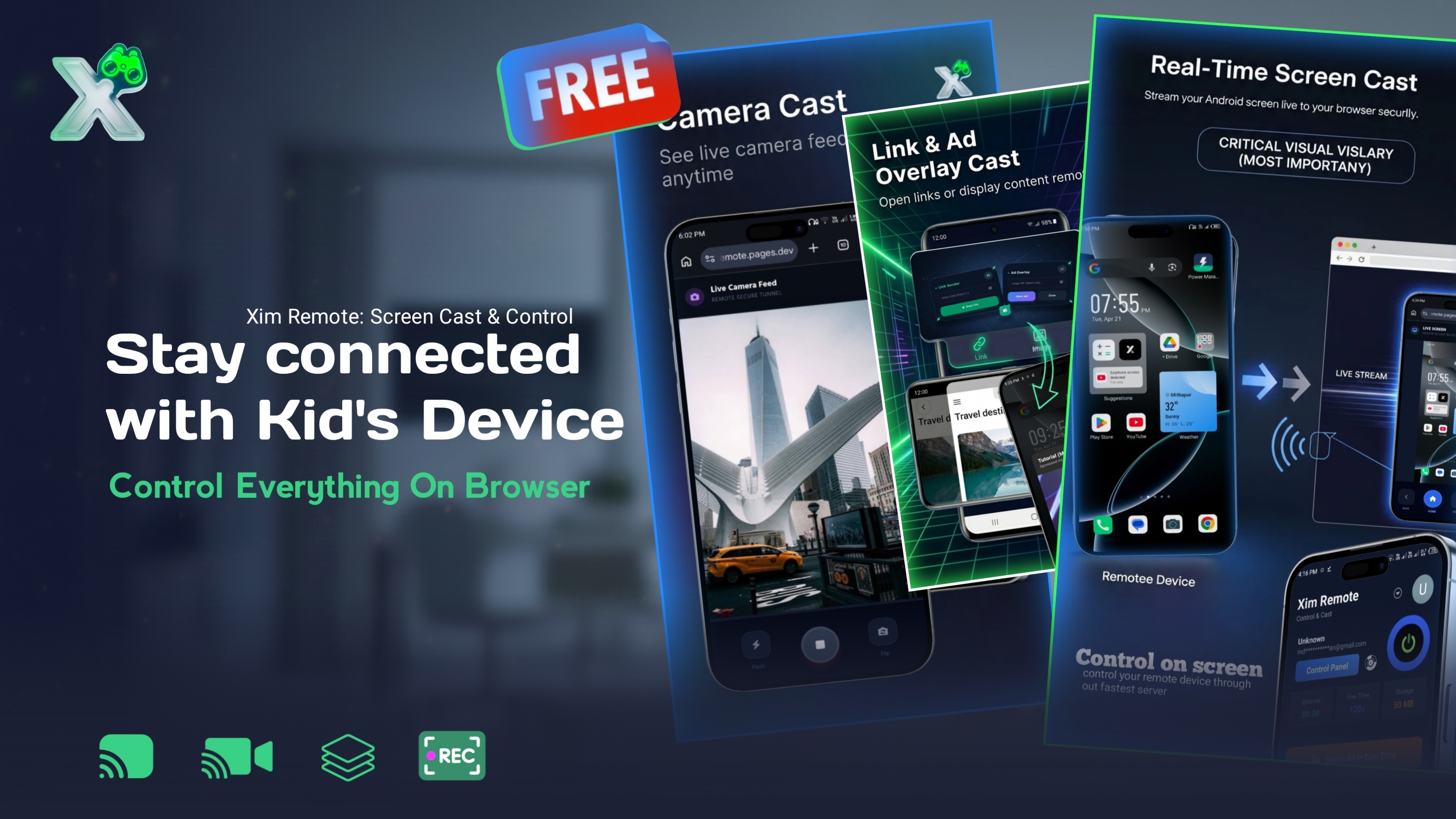
🧠 What is Xim Remote?
Xim Remote is an advanced device management app designed for:
- 📱 Parents (monitoring kids’ devices)
- 🧑💻 Developers & power users (remote control & automation)
- 🏢 Professionals (multi-device workflows)
It acts as an all-in-one:
- Parental control app 2026
- Android remote control app
- Secure device management tool
Unlike traditional apps, it blends monitoring + control + automation into a single lightweight solution.
🔥 Why Xim Remote is Different
Most apps like AirDroid Parental Control or Family Link offer limited features unless you pay.
Xim Remote stands out as:
- ✅ 100% free parental control
- 🔐 Privacy-first architecture
- ⚡ Real-time performance (low latency)
- 🧩 Advanced automation features
It’s a true AirDroid parental control free alternative without restrictions.
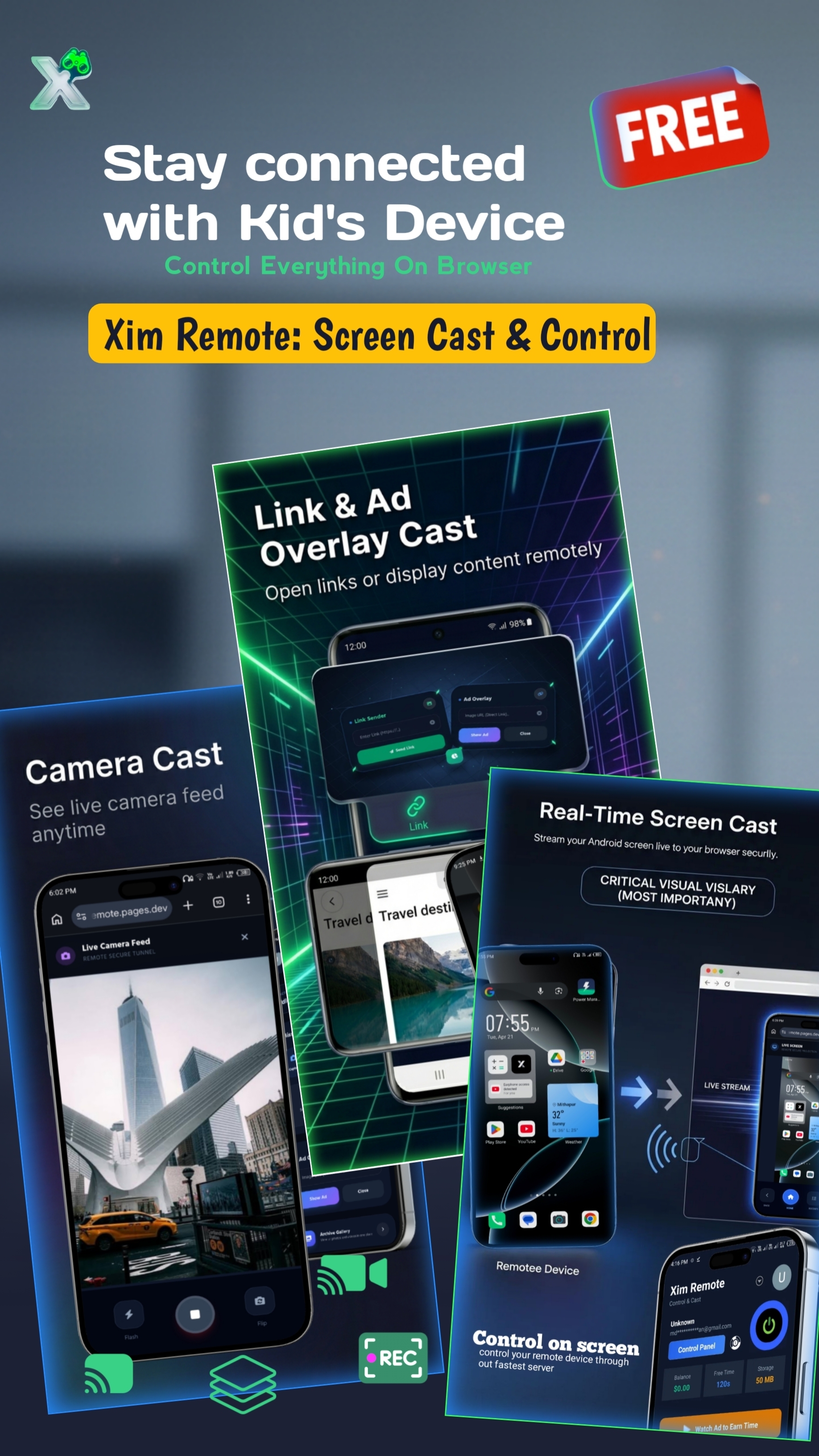
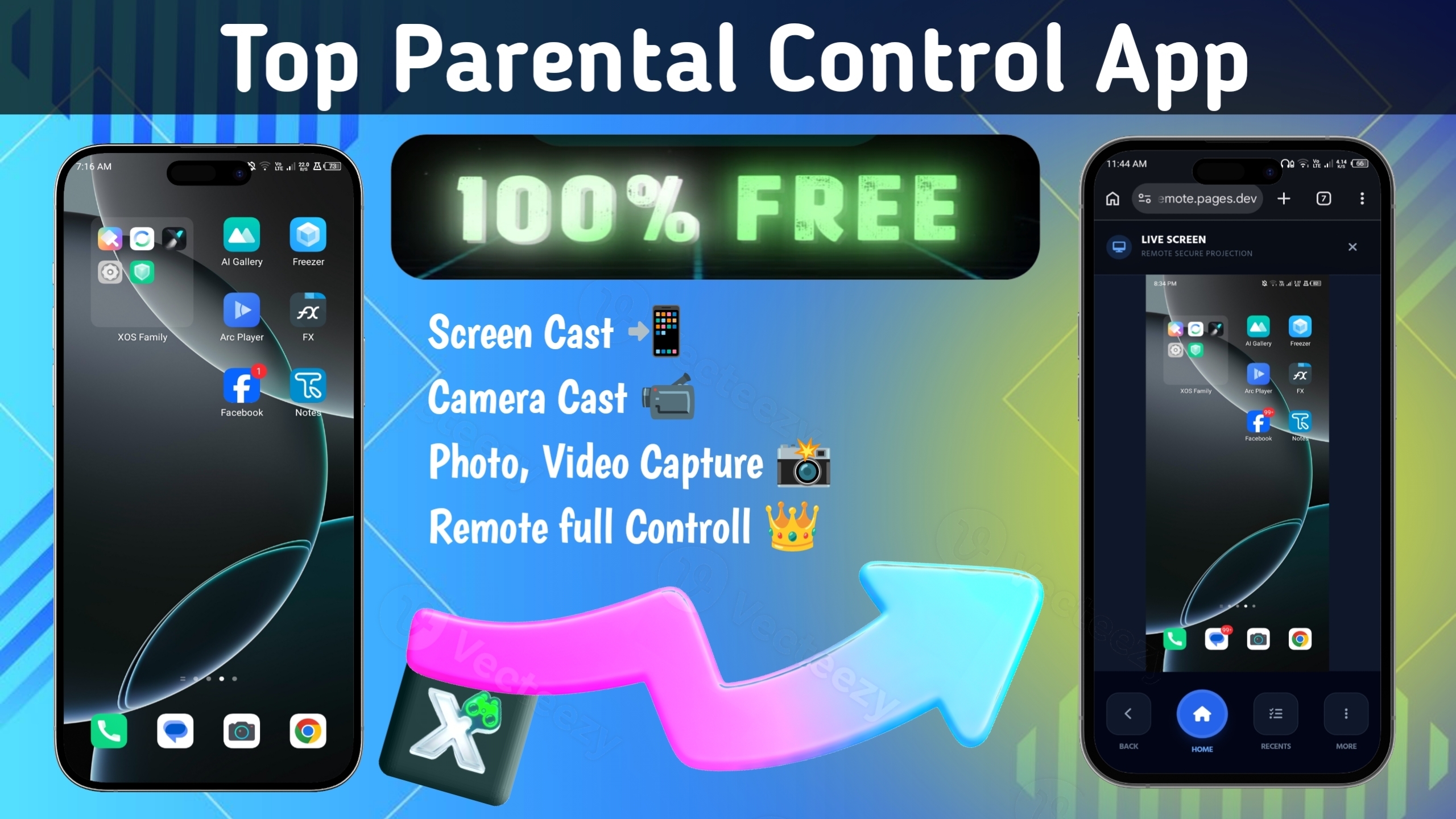
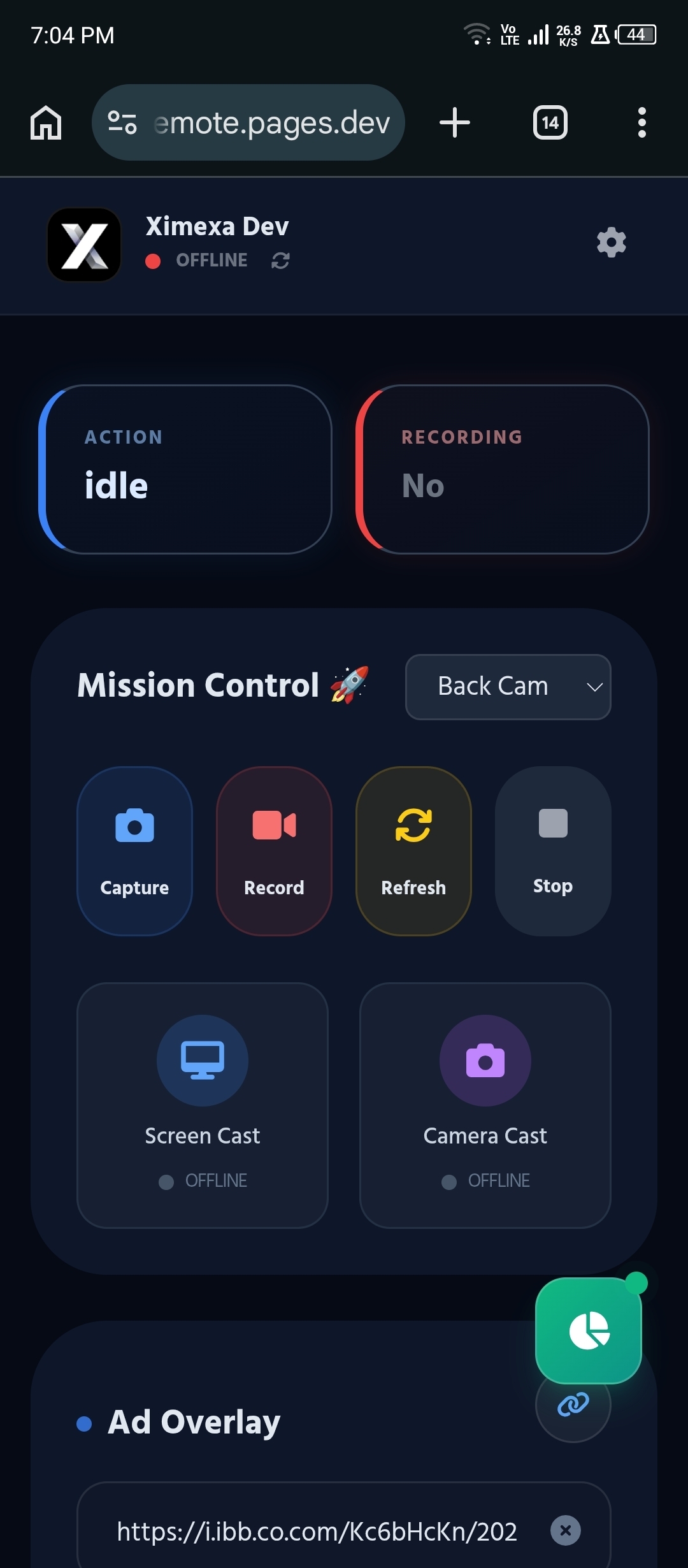
🎥 Live Screen Streaming (Screen Mirroring Android to PC)
One of the most powerful features of Xim Remote is real-time screen streaming.
This allows you to:
- Monitor device activity instantly
- Perform remote troubleshooting
- View content without interrupting the user
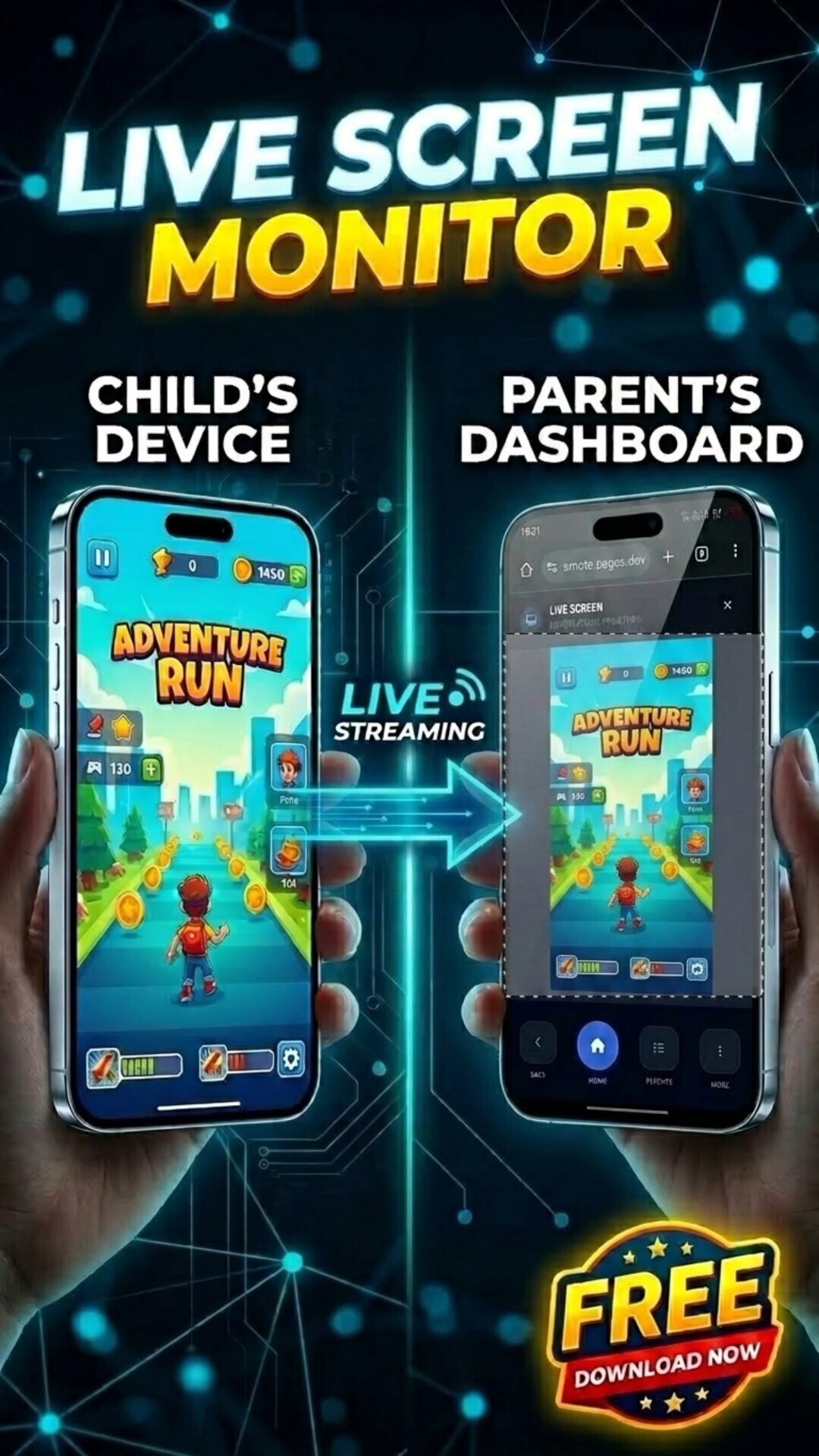
💡 Why it matters
Unlike basic monitoring apps that only show reports, Xim Remote gives you:
- Live visibility
- Smooth screen mirroring Android to PC
- Minimal lag streaming
This makes it ideal for:
- Parents checking device usage
- Developers debugging apps remotely
- Professionals managing remote devices
📷 Remote Camera Access (Photo & Video Capture)
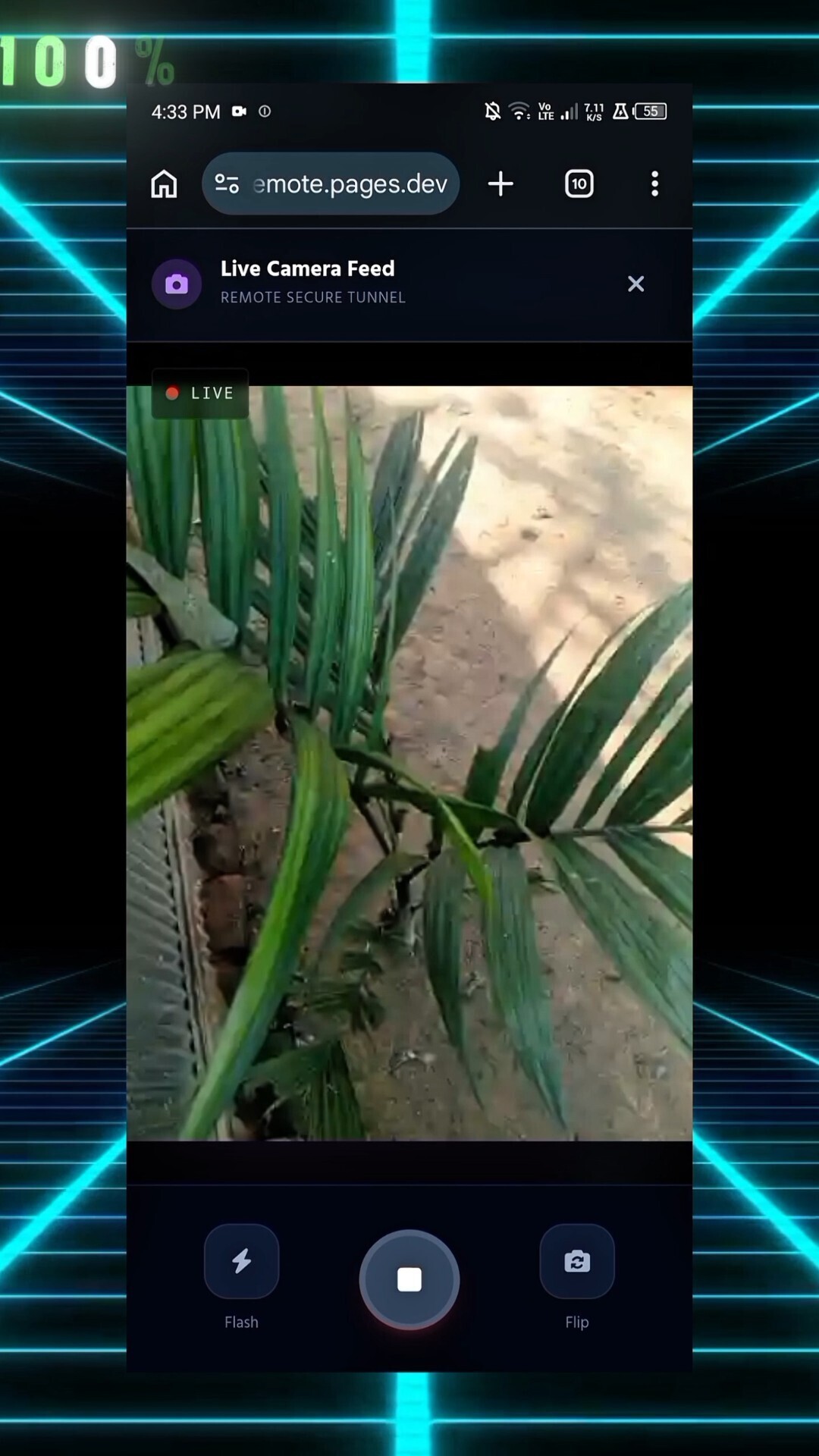
Xim Remote includes secure remote camera cast functionality.
You can:
- Capture photos remotely
- Record video clips
- Monitor surroundings when necessary
🔐 Security-first approach
- Only works with user-authorized permissions
- No hidden background spying
- Fully controlled access
This feature adds an extra layer to how to monitor kids phone safely.
🚫 App & Website Blocking
A core feature of any family link parental control app is content restriction—and Xim Remote takes it further.
You can:
- Block harmful apps
- Restrict specific websites
- Control usage time
⚖️ Compared to Family Link
| Feature | Xim Remote | Family Link |
|---|---|---|
| App Blocking | ✅ | ✅ |
| Real-time Monitoring | ✅ | ❌ |
| Remote Control | ✅ | ❌ |
This makes it a more flexible parental control app for Android.
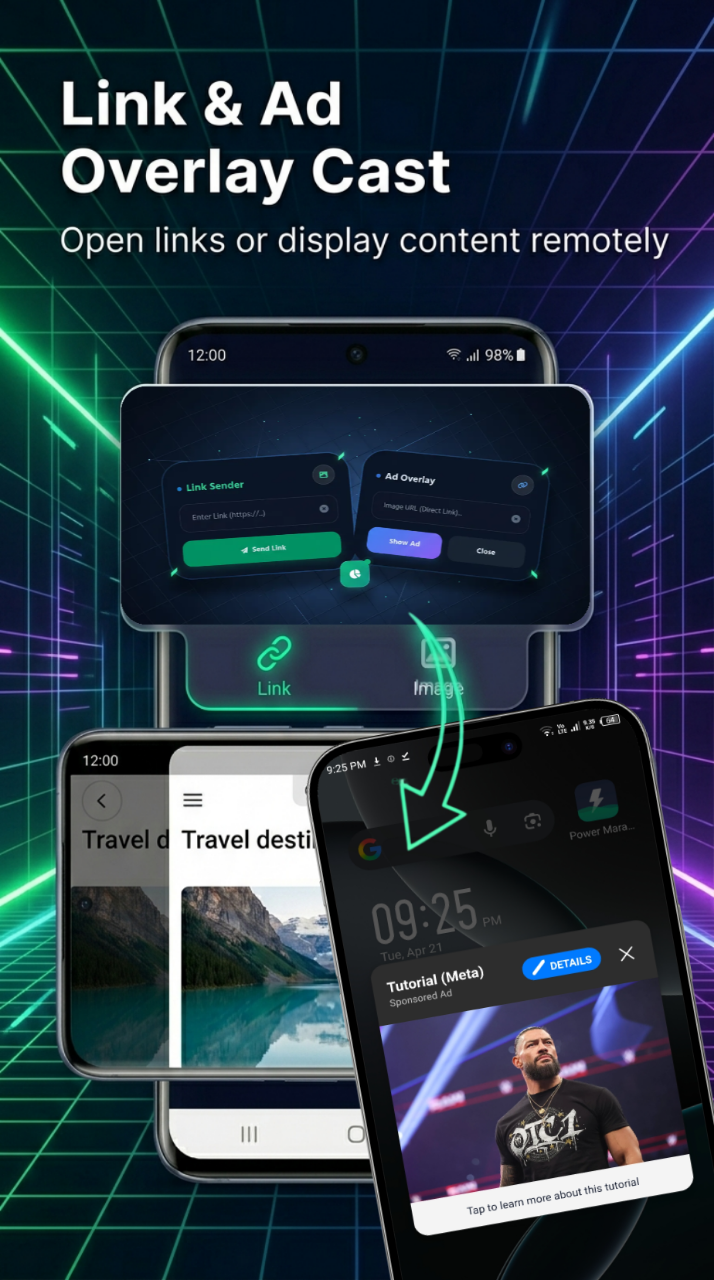
📤 Remote Content Loader
Xim Remote allows you to remotely push:
- Links
- Web pages
- Instructions
💡 Use cases
- Send study materials to kids
- Load specific websites remotely
- Guide non-tech users
This transforms it into a powerful mobile monitoring tool and workflow assistant.
🤖 Workflow Automation
This is where Xim Remote becomes a next-level remote device management tool.
You can automate:
- App restrictions at night
- Screen monitoring triggers
- Custom workflows
🚀 Why this matters
Most parental apps are reactive.
Xim Remote is:
- Proactive
- Customizable
- Designed for power users
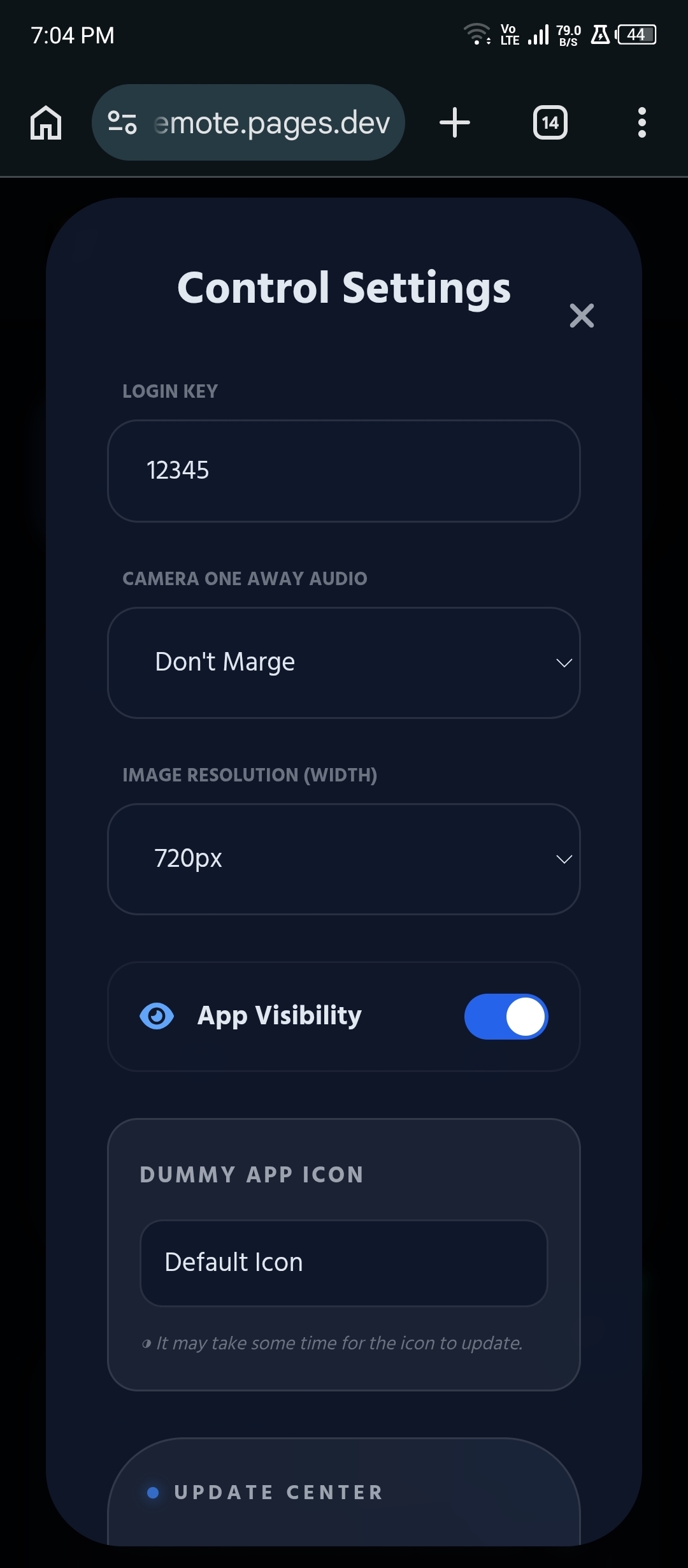
🛡️ Privacy & Security First
Security is where Xim Remote truly shines.
🔒 Core principles:
- No unnecessary data collection
- User-authorized access only
- Isolated communication channels
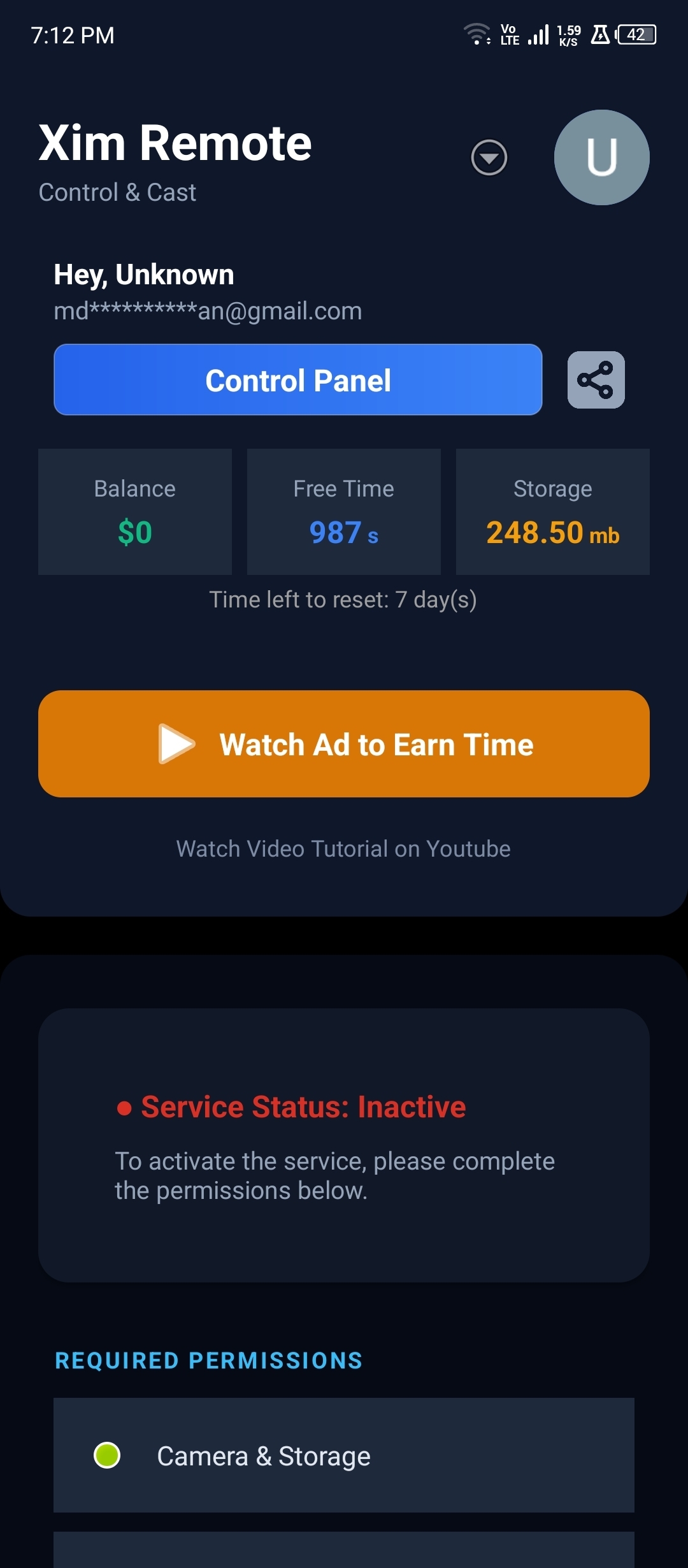
⚙️ Required Permissions
To function properly, it uses:
- Accessibility Service
- Display Overlay
- Camera & Storage
These are essential for:
- Automation
- Screen control
- Media capture
And are used transparently and responsibly.
📲 Installation Guide (Step-by-Step)
Setting up Xim Remote is straightforward:
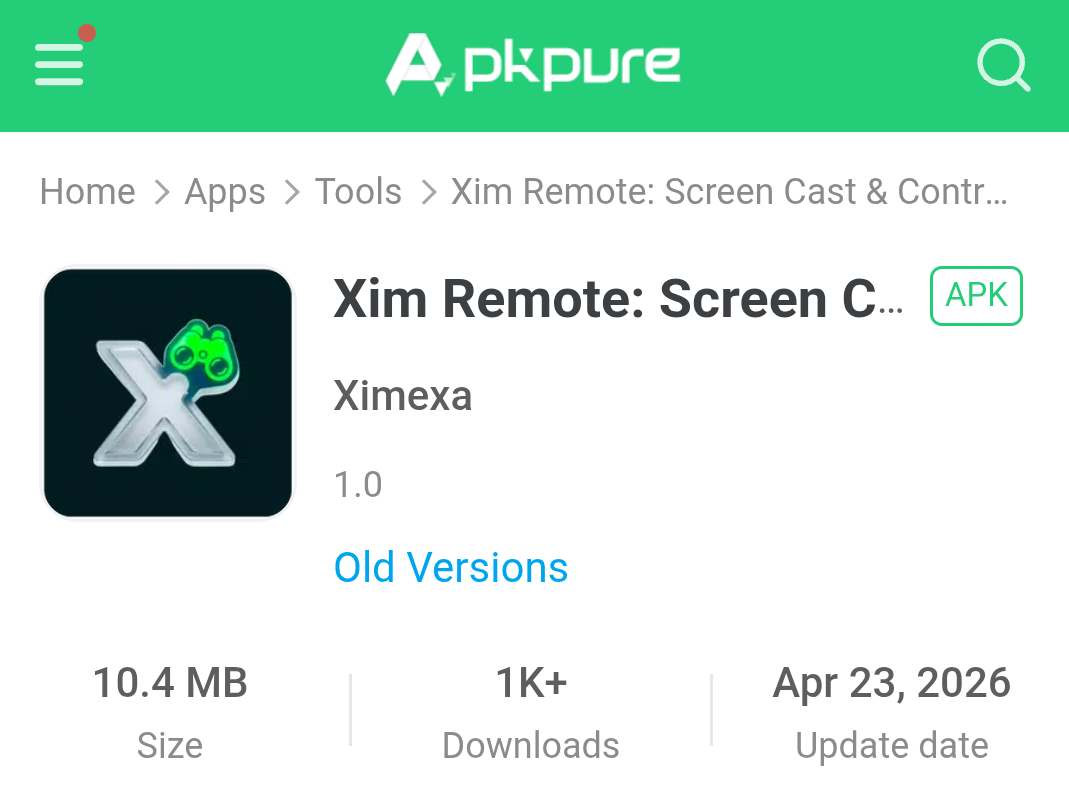
1. Download the app
Search on Google:
"xim-remote pages dev"
2. Install APK
Enable unknown sources if needed.
3. Grant Permissions
- Accessibility
- Overlay
- Camera
4. Connect Devices
Use the dashboard to link devices. Thw deshboard link: https://xim-remote.pages.dev/app/controller
🎥 Video Tutorial
Watch this full setup guide:
https://youtu.be/SS7HEi15054
⁉️ More Posts or Blog Tutorial:
http://xim-remote.pages.dev/blog/
⚖️ Xim Remote vs Competitors
| Feature | Xim Remote | AirDroid | Family Link |
|---|---|---|---|
| Price | Free | Paid | Free |
| Screen Streaming | ✅ | ✅ | ❌ |
| Remote Camera | ✅ | ✅ | ❌ |
| Automation | ✅ | ❌ | ❌ |
| Privacy Control | ✅ | ⚠️ | ⚠️ |
🏆 Verdict
Xim Remote is a strong:
- AirDroid parental control alternative
- More advanced than Family Link parental control app
🛠️ Troubleshooting Common Issues
❌ Screen not streaming?
- Disable battery optimization
- Check internet connection
❌ Permissions not working?
- Re-enable Accessibility
- Restart the app
❌ App disconnecting?
- Allow background activity

💡 Best Use Cases
- 👨👩👧👦 Parental monitoring
- 🧑💻 Developer debugging
- 🏢 Remote device management
- 📊 Productivity automation
❓ FAQ
What is the best parental control app for Android?
Xim Remote is one of the best free options in 2026.
Is Xim Remote really free?
Yes, it’s a fully free parental control app.
Can I monitor my child’s phone?
Yes, using live screen and camera features.
Does it support screen mirroring Android to PC?
Absolutely.
Is it safe?
Yes, it uses a privacy-first architecture.
Can I use it as a hidden parental control?
It depends on configuration, but transparency is recommended.
🏁 Final Thoughts
If you're looking for a powerful, secure, and free parental control app for Android, Xim Remote is a complete solution.
It combines:
- Real-time monitoring
- Remote device management
- Automation
All while maintaining privacy and performance.
Privacy Policy: http://xim-remote.pages.dev/app/privacyPolicy
🔎 How to Get Started
Search on Google:
Xim Remote Parental Control app
Explore the official dashboard and start managing your devices smarter.